 BLOCKSMITH
Home · Gallery · Texture packs · Mint blocks
Mint blocks
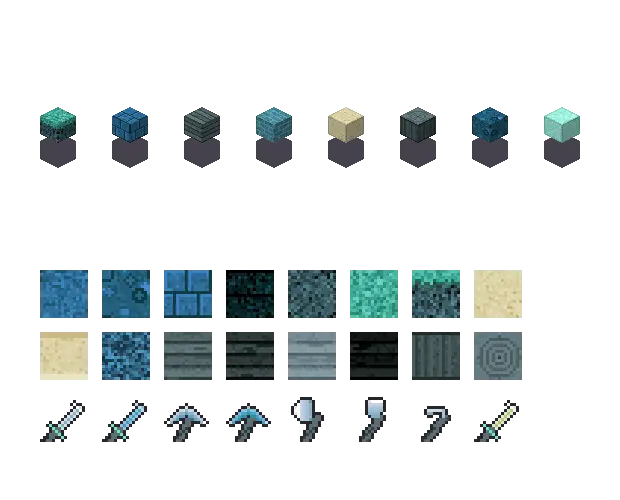
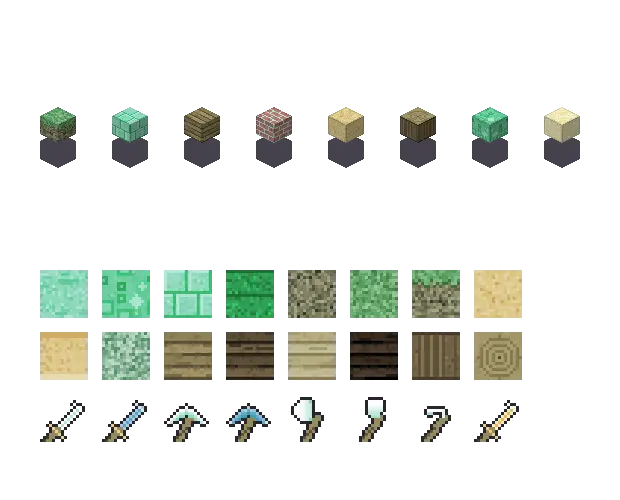
Mint blocks. An original Minecraft texture pack from “mint blocks”: 39 textures and 16 items. Not Mojang’s art.
Before and after
- rock
#8fd9bd - wood
#978b5e - leaf
#65a869 - water
#5389b7 - brick
#b47971 - glow
#f0e7b1 - earth
#808062 - sand
#ddc98d
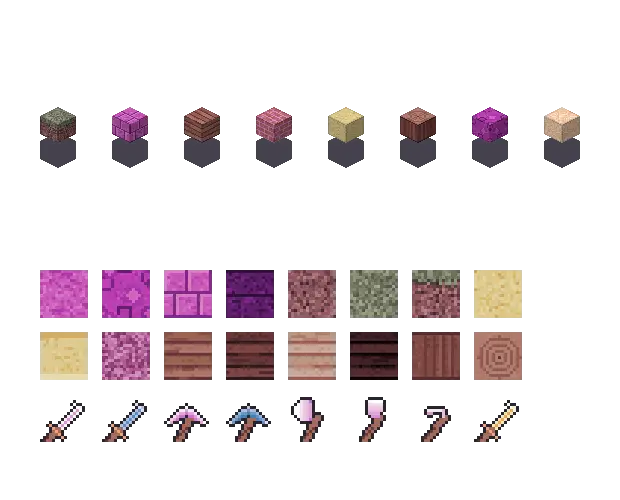
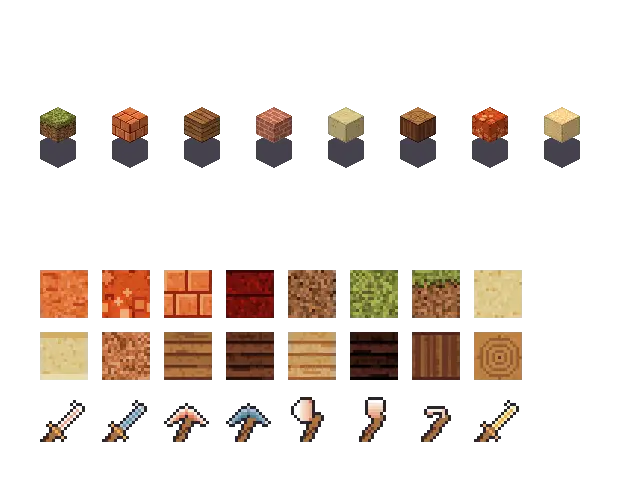
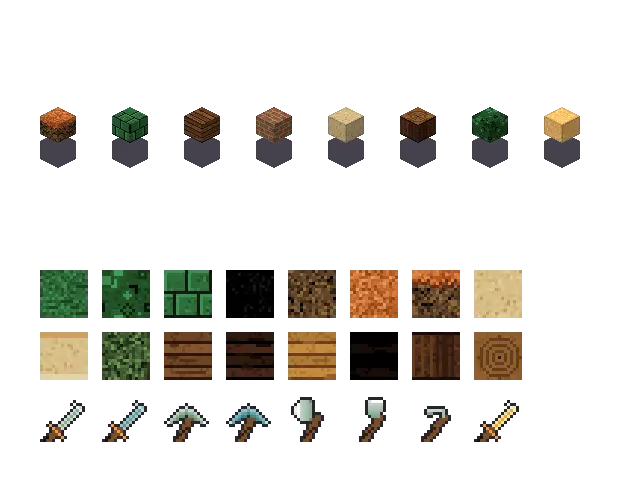
The plain cube is the before. The coloured cubes use this pack's palette. Blocksmith drew them. They are not the game's textures.
Get this pack
The offline reader builds “mint blocks” on your computer, so this one does not spend an AI wish. Players 13 and over sign in with a verified email. A new account includes 3 starter AI wishes. Plus is for a sentence the reader does not already understand. Players under 13 stay anonymous and offline.
Mac and Windows. On a phone, we email the link to your computer.
What you typed
mint blocks
The palette is rock #8fd9bd, leaf #65a869, water #5389b7 and glow #f0e7b1. Blocksmith draws the tiles from this palette. They are not Mojang's.
| Name | Mint |
|---|---|
| Seed | 2861228465 |
| rock | #8fd9bd |
| wood | #978b5e |
| leaf | #65a869 |
| water | #5389b7 |
| brick | #b47971 |
| glow | #f0e7b1 |
| earth | #808062 |
| sand | #ddc98d |
Original textures drawn by Blocksmith. Not Mojang's, and not a file from the game.
Texture pack gallery · How it works
How to install this texture pack
How to use Mint blocks in Minecraft: turn on a pack Blocksmith drew, on Java Edition or on Bedrock.
- Name the look. Type “mint blocks”. The offline reader turns that sentence into a palette and draws the tiles on your computer.
- Check the colours. This pack stores rock #8fd9bd, wood #978b5e, leaf #65a869, water #5389b7. It has 39 block textures and 16 items. The tiles are original. They are not Mojang’s textures recolored.
- Turn the pack on. Java Edition gets a resource pack you can switch on from the app, or drop in the resourcepacks folder. Bedrock gets an .mcpack in Downloads. Open that file and the game imports it.
Minecraft texture packs · Install on Java · Install on Bedrock.
Questions
Does Mint blocks replace Minecraft’s textures?
It replaces what you see when the pack is selected, but the images are drawn by Blocksmith. The game’s own textures stay in the game you bought.
How many textures are in Mint blocks?
39 block textures and 16 items, from the sentence “mint blocks”. The seed is 2861228465.
Will Mint blocks work on Bedrock?
Yes. Blocksmith writes a Bedrock .mcpack of the same generated images. Water and lava are animated. It is not a Marketplace pack.