 BLOCKSMITH
Home · Ideas · Free Minecraft skins
Free Minecraft skins
210 original skins, painted from a sentence, shown from three angles.
These are 210 free Minecraft skins Blocksmith painted. Each one is an original 64×64 PNG. You can use the same file on Minecraft: Java Edition and, by importing it, on Bedrock. They are not Marketplace skins, not NameMC uploads, and not characters from a show.
Girl, boy, cool and aesthetic are sentences, not bins we sorted the gallery into. Type the hair, the clothes and the colours. A few people-theme wishes already in the gallery: “a diver in a yellow suit with goggles” “a chef in a white coat and a chef hat”. Knights, pirates, ninjas, animals and hoodies have their own theme pages because the reader files them that way.
Anime-style, on Blocksmith, means an original look you describe: spiky hair, a visor, a robe, a mask. It does not mean a character from an anime, a game or a film. We do not ship those. The black ninja and the visor robot are original outfits in the gallery.
The grid is the skin gallery. The maker is the skin page. Import steps are in how to add a custom skin.
Themes
- Pirates — 22 skins
- Wizards — 22 skins
- Knights — 22 skins
- People — 21 skins
- Ninjas — 21 skins
- Robots — 21 skins
- Animals — 21 skins
- Hoodies — 21 skins
- Halloween — 21 skins
- Winter — 18 skins
Skins to open
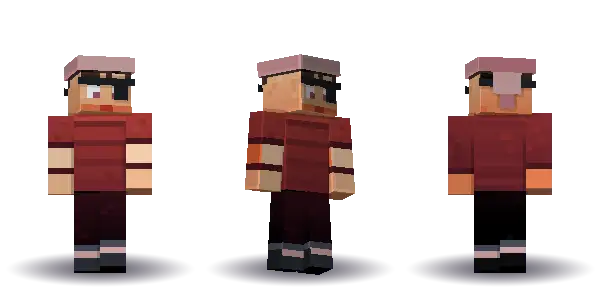 Pirate captain with an eyepatch
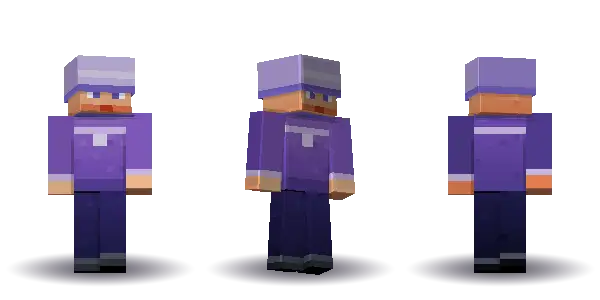 Wizard in a purple robe
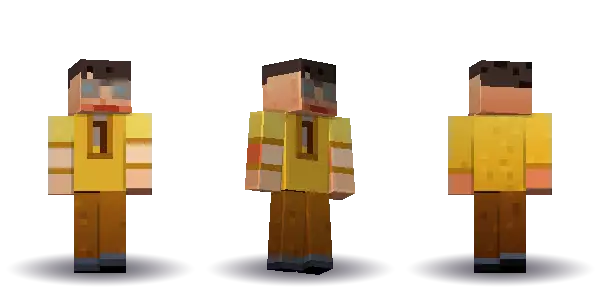 Diver in a yellow suit
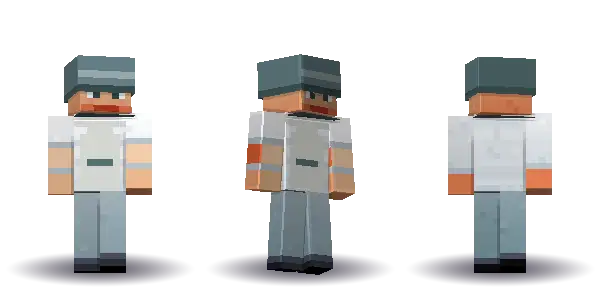 Chef in a white coat
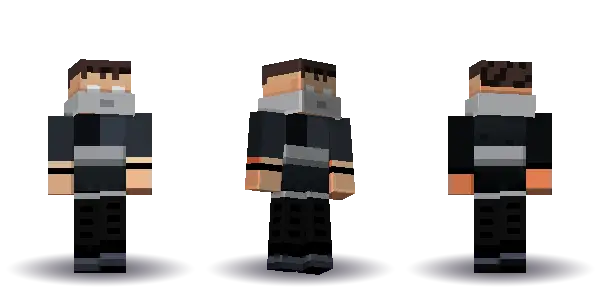 Ninja in black
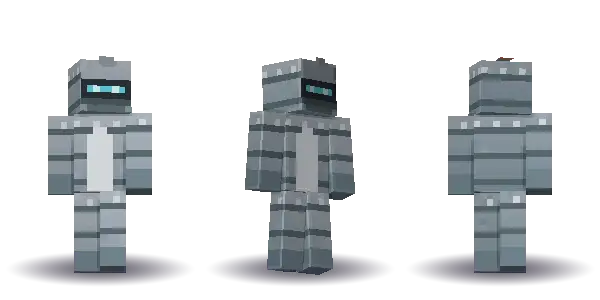 Robot with a visor
Questions
Do you have girl and boy skins?
Type the person you want. The people theme is the open wardrobe: hair, face, top, legs and a colour. We don’t publish a separate download pile labelled girl or boy.
Can I get a 128×128 skin?
No. Blocksmith draws the 64×64 sheet Java and Bedrock both import. A 128×128 file usually needs a mod or a different editor.
Are the cool skins someone else’s?
No. The offline reader paints from your sentence. There is no public library of other people’s skins in the app.
Mac and Windows. On a Mac, Blocksmith is notarised by Apple and opens normally. On Windows, the installer isn’t code-signed yet, so SmartScreen may say “Windows protected your PC”: choose More info, then Run anyway.